Thursday, 28 August 2008
I've got my own exhibition :)
Cool or what?
Tuesday, 26 August 2008
One thing I would really LOVE to photograph

Captured by Paul Kenyon - source
Monday, 25 August 2008
Another Doh!
Sunday, 24 August 2008
Polarising filters
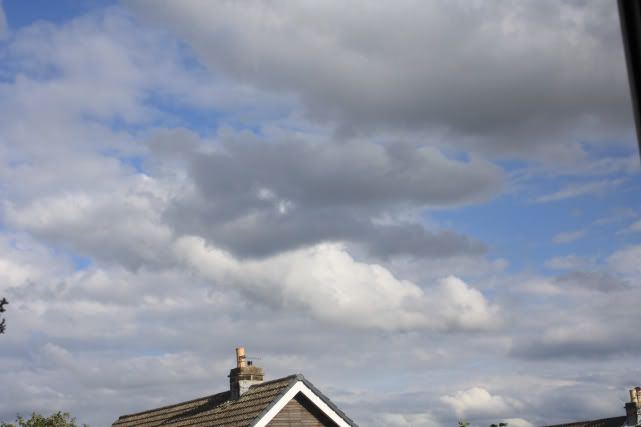
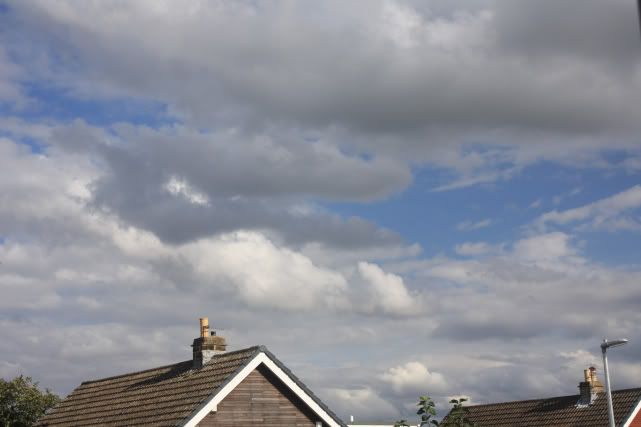
Anyway I decided to try this polarising filter out. I can't see a difference between the filtered and filterless shots. Can you? Am I supposed to be able to? Maybe it wasn't sunny enough.

Saturday, 23 August 2008
Moo
Anyway when I signed up to Flickr I was taken to a page run by a company called Moo. Moo (if you don't know them) produce some nifty little business cards and things from your photos. As a new user to Flickr I was entitled to 10 free cards from Moo. I only had a few naff photos in my account at that time but decided to just sent off for the 10 free cards anyway. I was pretty unimpressed with the idea to be honest. But was actually quite impressed when I saw the cards though I'm sure that with better photos they would of been much much better. If you were wanting to give business cards out then this is a uniques, interesting and relatively low budget way to do it. Should the day come that I ever need any business cards then Moo will be high up on my list of places to check out.
Friday, 22 August 2008
Doh
Thursday, 21 August 2008
Lomography
A while ago my attention was drawn to a type of photographic effect called Lomography. The name comes from either the camera manufacturer or the name of the camera - I can't remember which.
Lomography emphasizes casual, snapshot photography. Characteristics such as over saturated colors, off-kilter exposure, blurring, "happy accidents," and alternative film processing are often considered part of the "Lomographic Technique."Users are encouraged to take a lighthearted approach to their photography, and use these techniques to document everyday life, as the Lomo LC-A's small size, simple controls, and ability to shoot in low light.
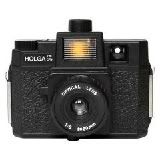
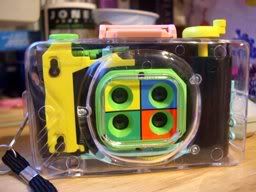
You can buy a Lomo camera which will give various effects such as fish eye or 4 photos in one like I've shown below.
Lomographic Cameras
This camera takes 4 images but you can get fish eye ones as well
Examples of Lomographic images
Faux Lomography
Faux lomography is basically taking a normal photo and post processing it to give the Lomographic effect. The problem with this technique is I find that all the instructions are for Photoshop and I have Paintshop Pro. So I set about to find my own technique. My technique is not perfect and I'm looking to refine it if anyone has ideas.
Make a vignette - I use the Levels function
Increase contrast by 20%
Increase saturation by 20%
Make a new layer with opacity 40%
Flood fill the new layer with black paint
Merge layers
Do a gaussian blur with the factory default setting
Add noise at 10-20% depending on image size
Cut outline with rounded rectangle selection tool if you want
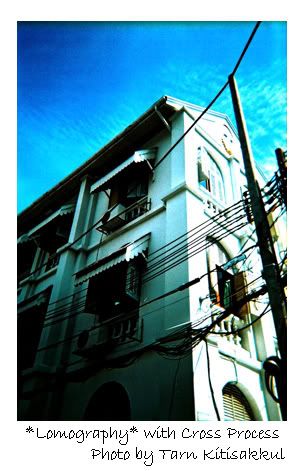
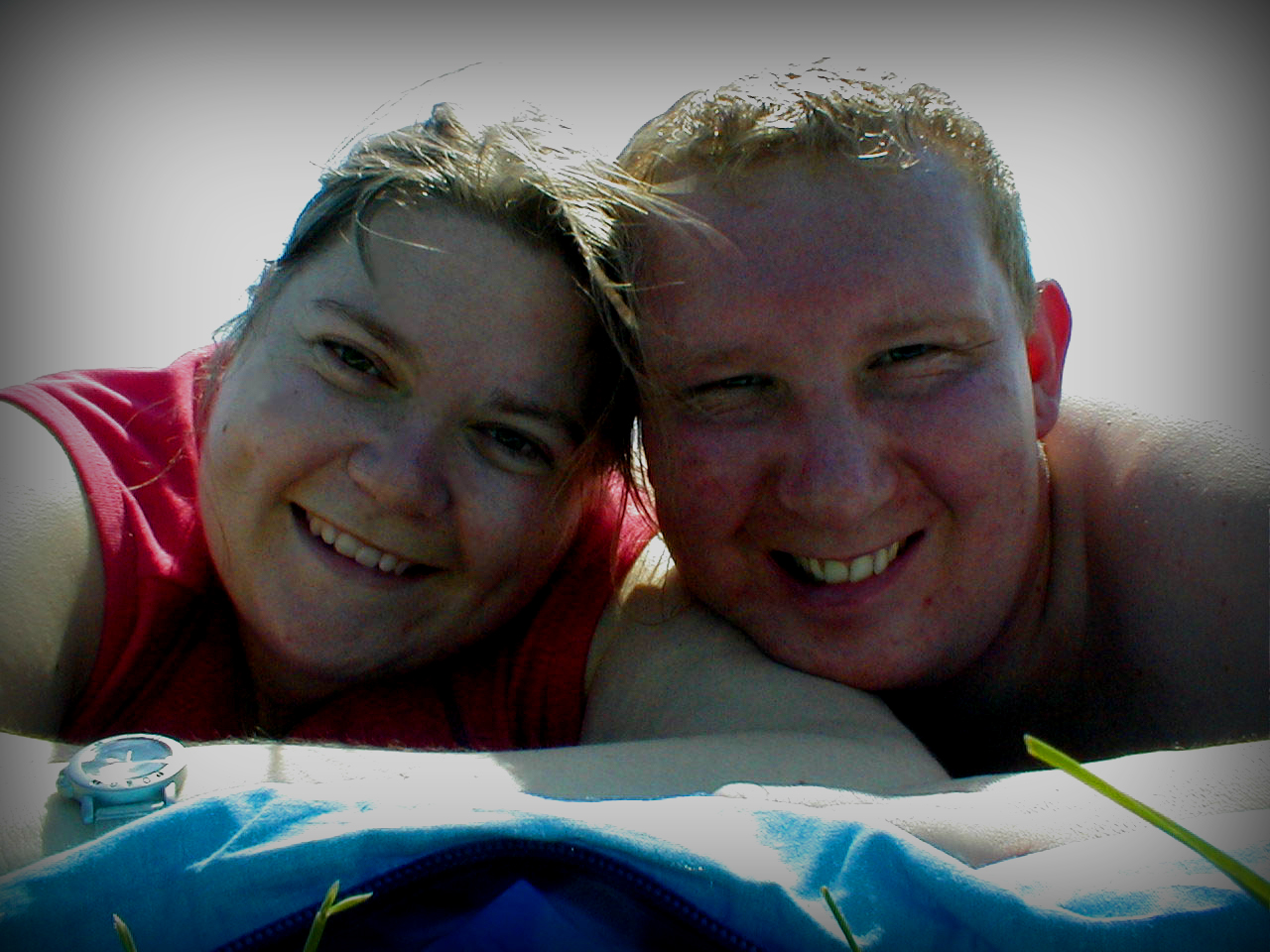
This is the effect the faux lomo technique gives me.
Links
Lomography on wikipedia
Lomographic images on Flickr
Lomography rules
Scotland Day 2


Wednesday, 20 August 2008
Shutter Speed
Shutter speed determines the amount of light reaching the camera sensor and also influence how movement is captured.
Do you remember that earlier I said I was going to have a look at various camera functions and things in an effort to learn more about photography and my camera? Well I think I will start that now so that I have some homework for the weekend. I thought I'd look into shutter speed first. So now I just need to learn about how to use shutter speed to good effect and also how to set the various shutter speeds with my camera.
For the complete novices among us shutter speed is the amount of time that the shutter stays open. The amount of light reaching the sensor depends on the shutter speed. The amount of light reaching the sensor can also be controlled by other means such as aperture size. One of the reasons you might like to adjust the shutter speed is to capture or freeze movement.
For fast moving subjects such as sports photography then the shutter can be set shorter so that it freezes the motion. The drawback to this is that you might need to compensate for the lower amount of light reaching the sensor. You can do this by adjusting your cameras other functions such as aperture size etc. In poor light the shutter can be set to open for longer so that it lets in more light. The drawback of this is that the photos can be prone to blurring. You can reduce the risk of this by using a tripod and the self timer function on the camera to minimise disturbance to the camera. Soemtimes you may want to make the subject blurred such as when capturing head light blur. You can do this by having a slower shutter speed.
Shutter speeds are measured in seconds and have been agreed as -
1/1000 s
1/500 s
1/250 s
1/125 s
1/60 s
1/30 s
1/15 s
1/8 s
1/4 s
1/2 s
1 s
Using shutter speed to freeze motion
The shutter speeds that you need depends on the subject matter. A slow moving subject will need a slower shutter speed than a faster moving one. An approximate guide is -
Subject Shutter Speed
Walking 1/60 sec
Running 1/12 sec
Cycling, fast animals & sports 1/250 sec
Cars & motorsports 1/500 sec
Fast flowing water 1/500 sec
So how do you do this with your camera?
Generally speaking (I'll move onto the setting of my particular camera - the Canon Eos 450D - later) the best way of controlling the shutter speed is to use the shutter priority setting on your camera.....apparently.....I wouldn't know. This will automatically select an appropriate aperture to make sure the image is captured at the correct exposure. Sometimes with very fast shutter speeds not enough light reaches the image sensor - especially where light conditions are poor anyway. If this is the case you can try increasing the cameras ISO setting which increases the sensitivity of the image sensor.
How do I do it with the Canon Eos 450D?
Set the mode dial to TV to set the shutter-priority
Set the shutter speed
If the aperture displat starts blinking the ISO needs changing as the adjustable aperture range has been exceeded.
Tuesday, 19 August 2008
If I had my way.....

I was thinking again....
So I was thinking something along the lines of F stops & apertures, shutter speed, ISO, focal length, aperture priority, autofocus, white balance etc. And maybe a couple of miscellaneous topics as well.
First one I might start working on later today.....not sure which one I will go for yet.
A thought just occurred to me
I like photos with enhanced contrast and saturation so I'd be a little put out if somebody suggested the contrast might be to high. I'm talking about by commenting on a persons photograph you are making some significant assumptions about what effect it was that they were trying to create.
What are your thoughts on this? Leave your comments below.


Scotland trip - day 1
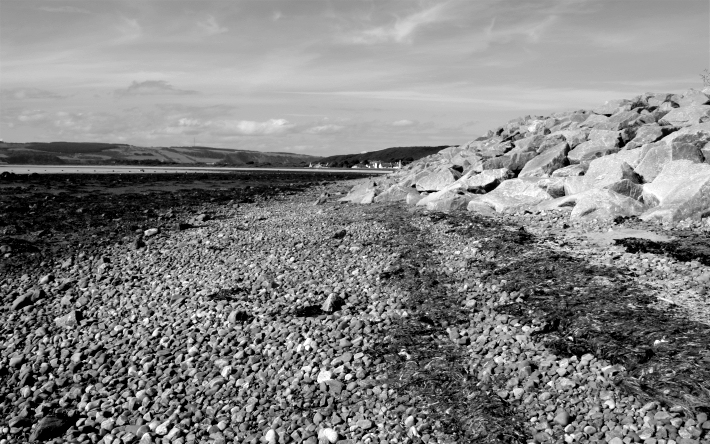
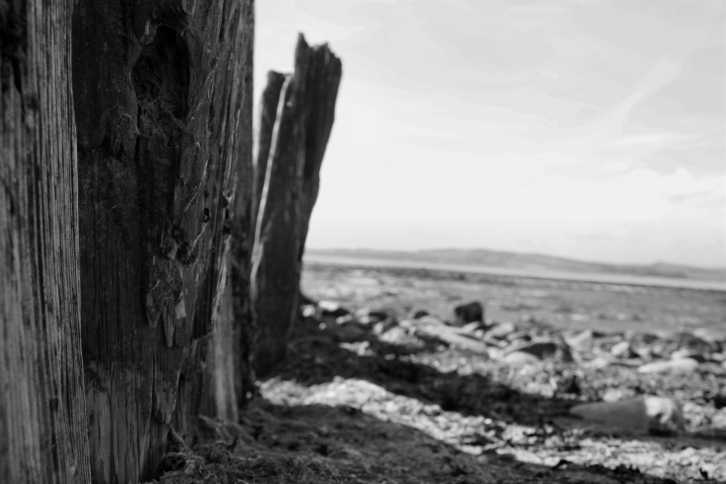
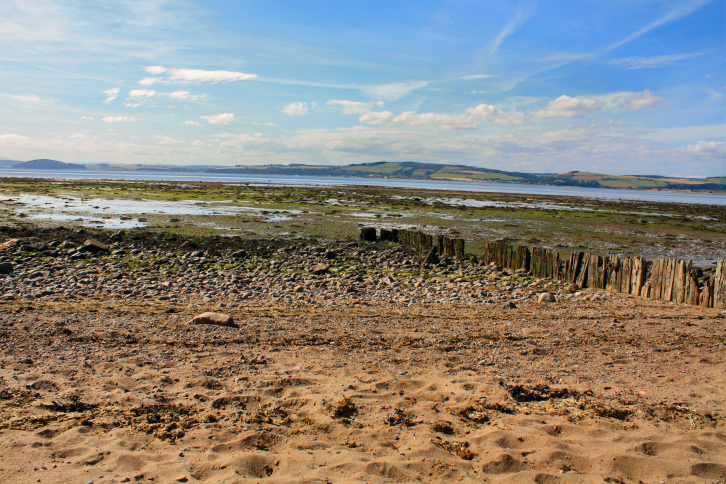
On day 1 we set off from Yorkshire at about 7am and arrived in Inverness at about 3pm. The weather was lovely - very sunny (maybe a little to sunny really as we both got sunburnt noses). Little did we know it would be the only decent weather all trip. Thankfully we made the most of it though and snapped lots of pictures from the car on the drive up and then went to a beach somewhere near Fort Augustus (an army camp) and then onto Nairn and Nairn beach. Nairm beach was lovely but the beach at Fort Augustus gave us some terrain that was well suited to some monochrome photos.
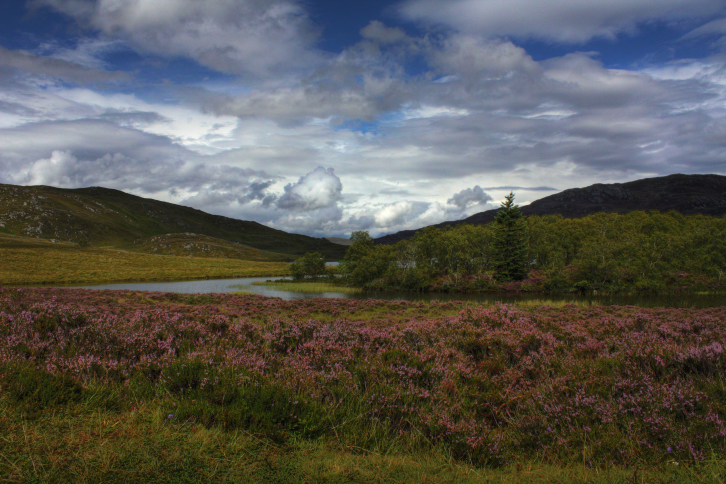
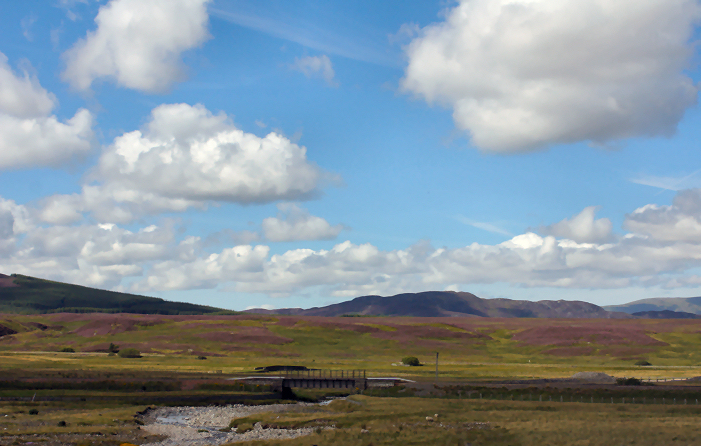
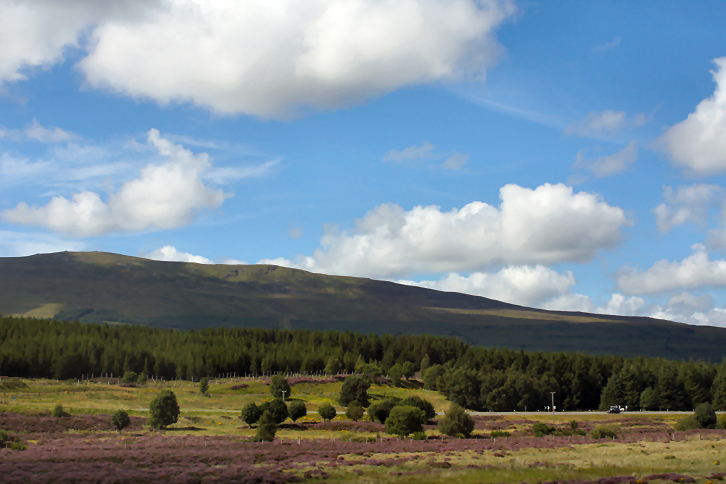
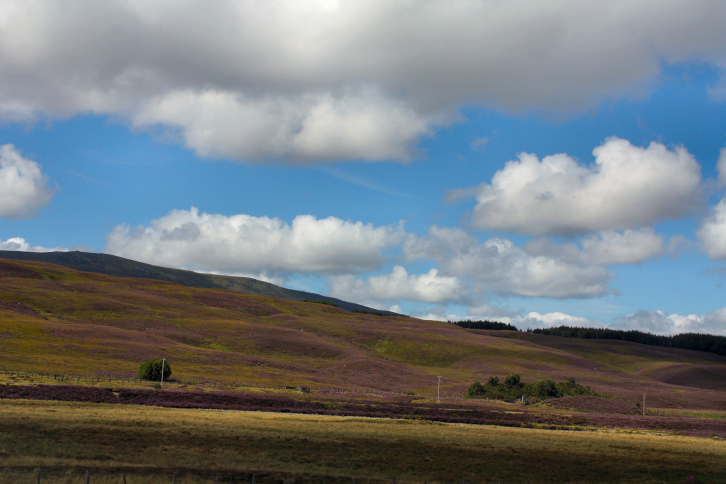
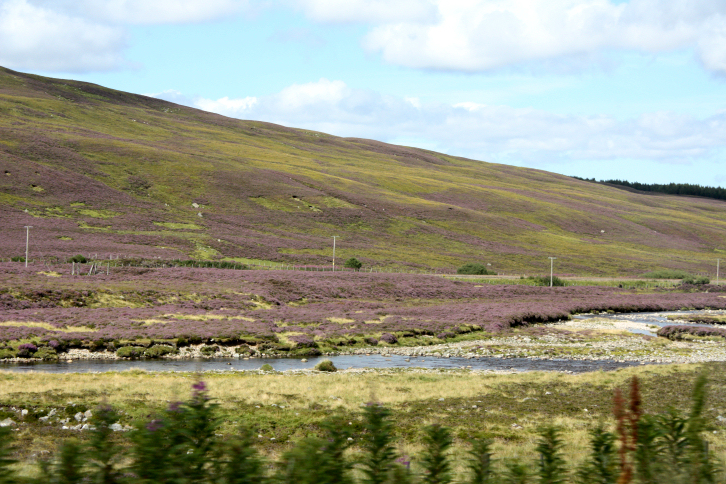
I took these photos from the car while we were travelling up to Scotland. I just set the camera to sport mode because it has a faster shutter speed. I quite like doing this to get some "smash and grab" photos.


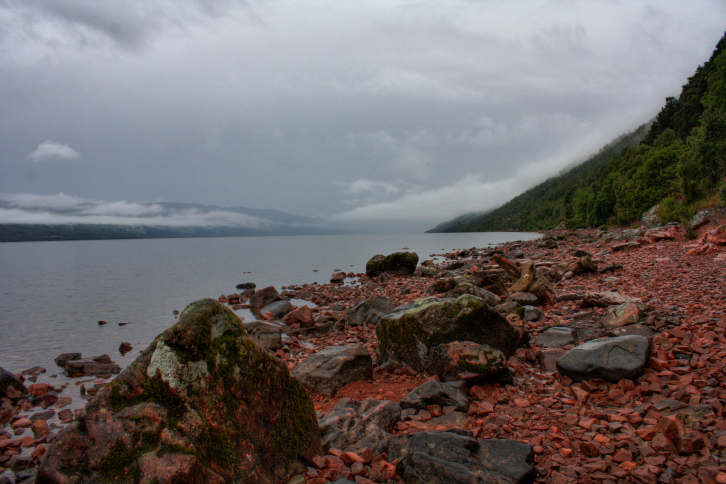
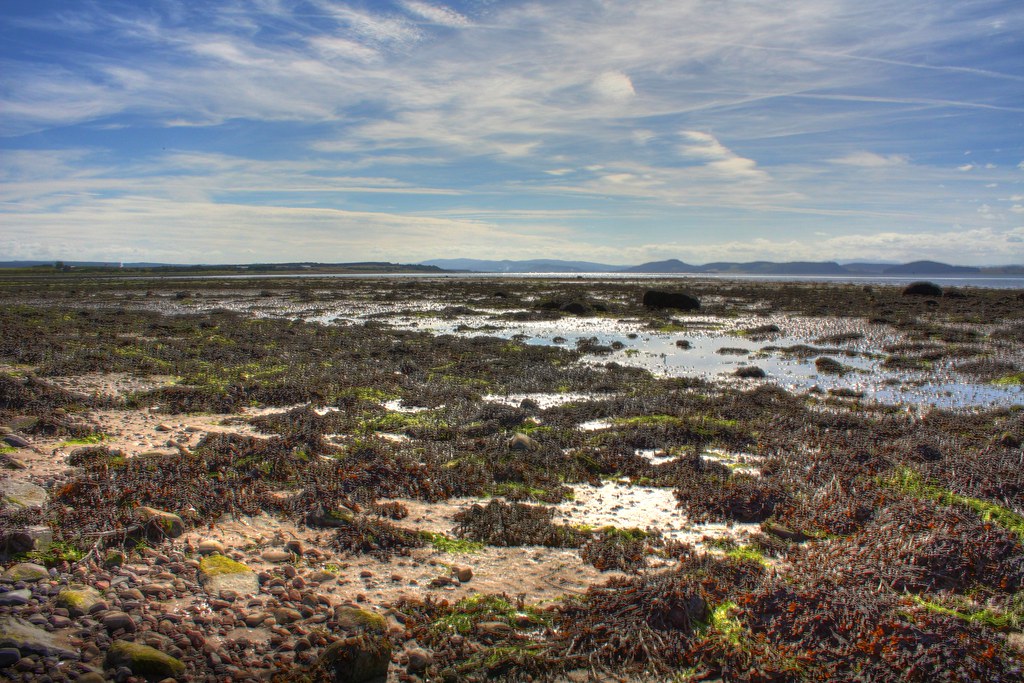
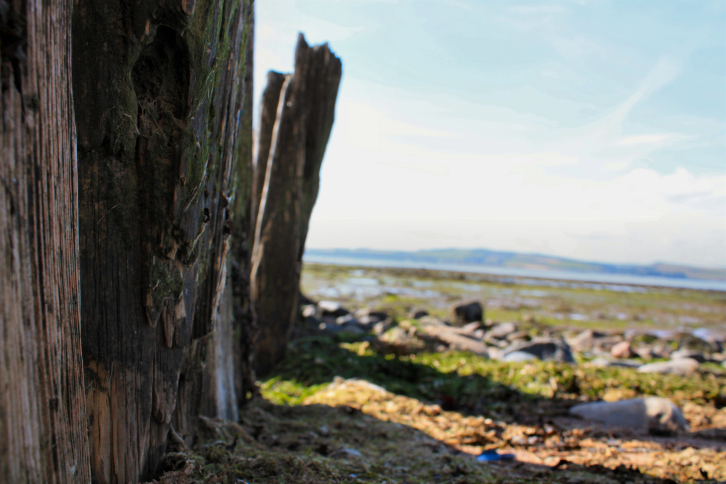
The following photos were taken at a beach somewhere near Fort Augustus army camp.

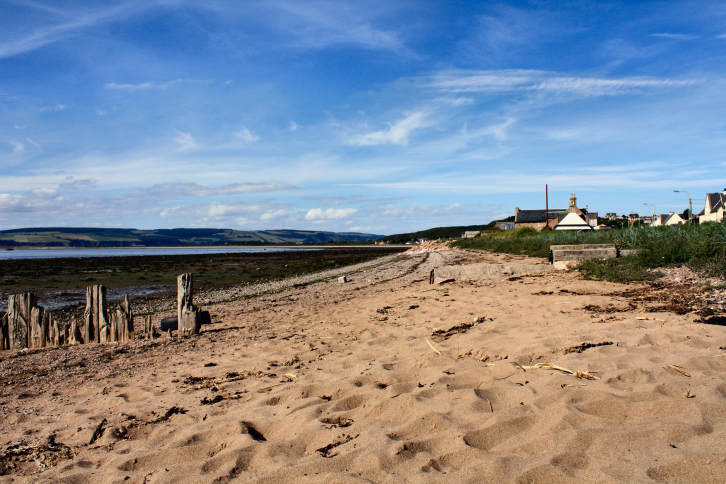
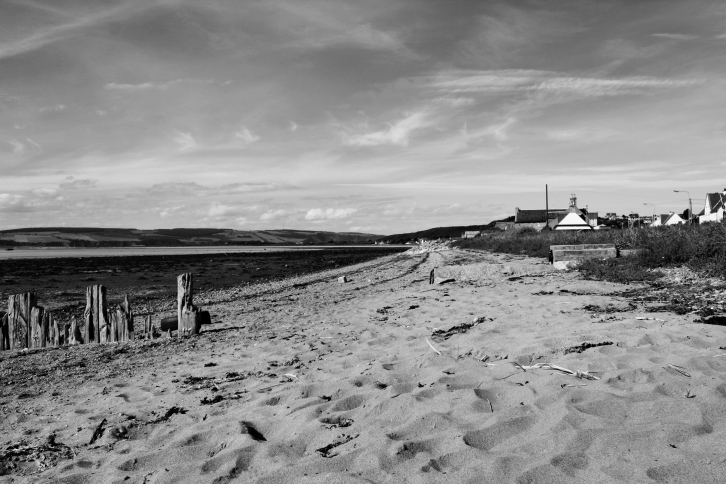
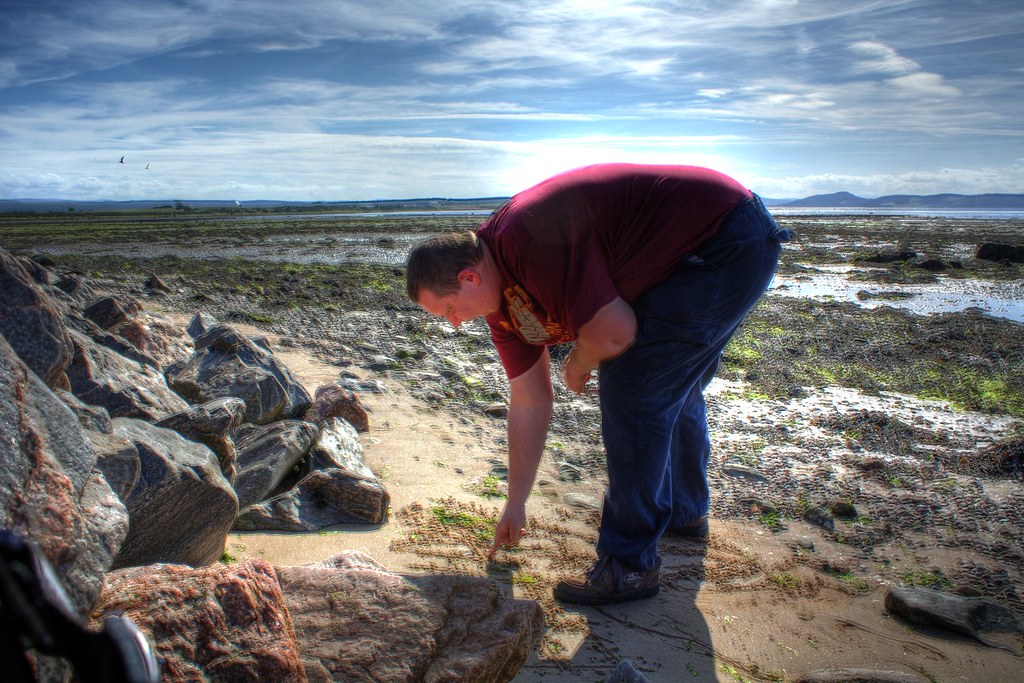
The light was really strong and was casting to many shadows on things so I tried a HDR shot (above) to help bring out the shadows. Later I tried a regular exposure picture because I thought the high contrast would be great for a black and white picture (below). Hence 2 versions of the same scene.


I was sat on the ground taking some macro photos (which didn't turn out grrrrrr) and looked up to see my husband looking out across the bay. I liked the unusual angle and how it gave a more interesting background and perspective.
Some more of the beach - I made some into black and white photos because I thought they would work well. I'll let you decide.


This one didn't really turn out very well but you cna see the effect I was going for. I think my husband was getting bored because when I turned round he was writing things in the sand :)

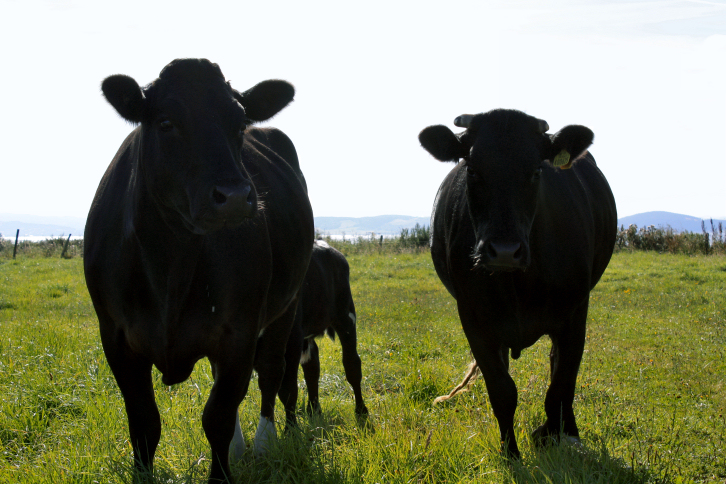
There was a farm next to the beach. The farm had a field which contained a few cows. I started snapping the cows and they were so inquisitive (or eyeing me up for a kill maybe?) that they started strolling over to the gate where I was standing. Once they got withing a tongue licking length of my lens I decided it was time to hot foot it out of there. I would of loved a better photo of the calf feeding from its mum - and I would of got it if they hadn't been so inquisitive that they all started walking off.

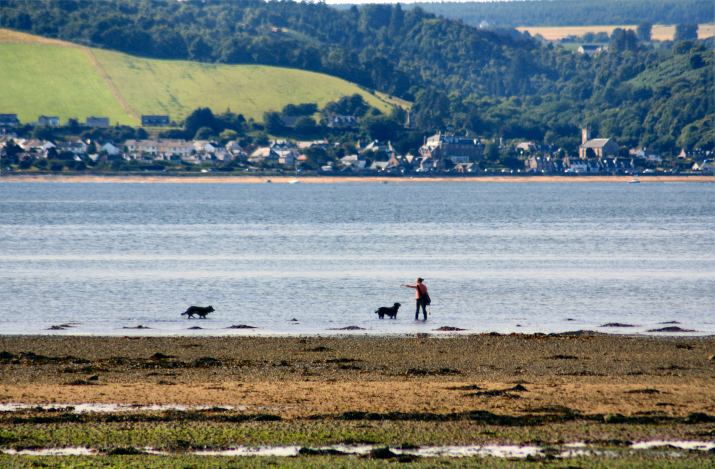
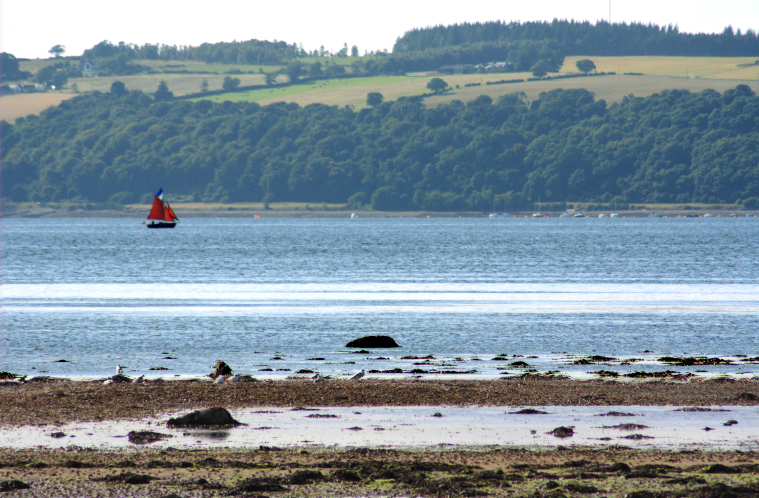
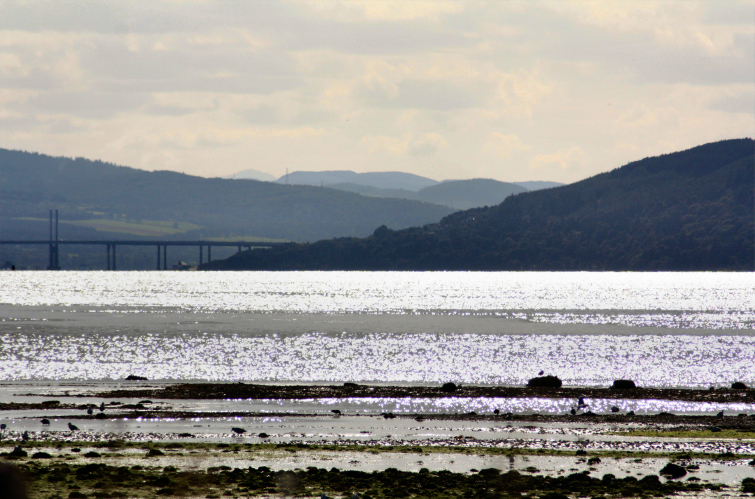
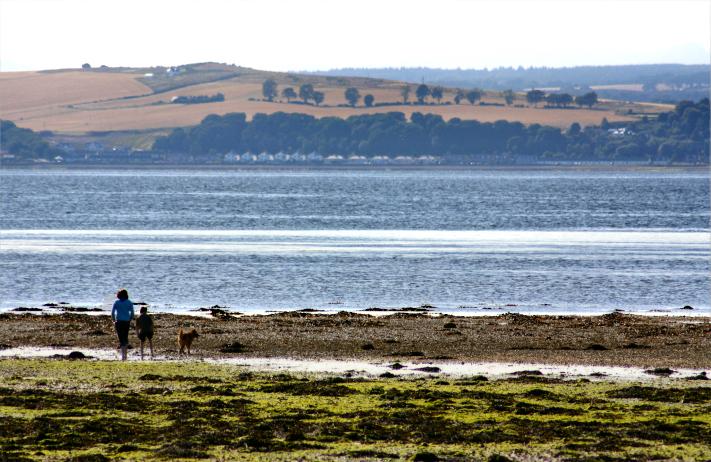
These few were taken with my zoom lens. I hadn't got a tripod which explains why they don't look very sharp. Also it was a hazy day so the other side of the bay wasn't very clear.


This picture was taken on the way to Fort Augustus. I really like this picture but can't explain why. It was heavily post processed though to remove bugs from the windscreen.

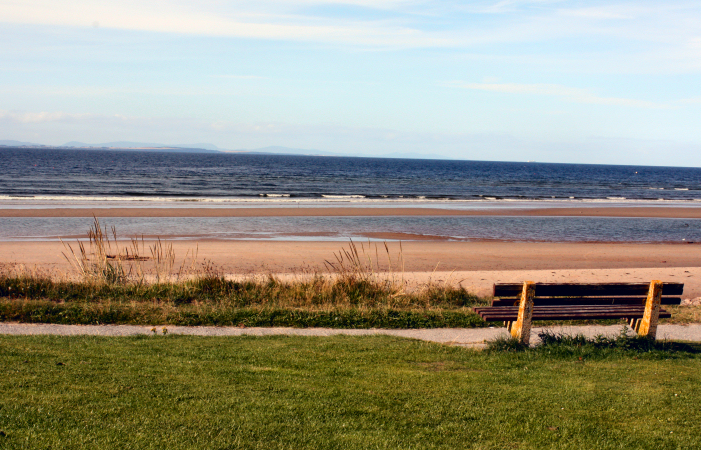
The following pictures were taken at Nairn beach. This is a lovely beach and reminds me of pictures I've seen of the beaches round New England. With sand dunes and long wispy grasses poking out of the sand dunes. It was a really hot and sunny day so there were loads of people about that it made taking pictures nearly impossible at times.

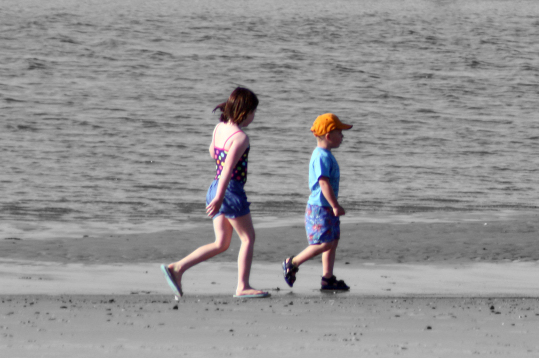
The light was very strong and overexposed everything since I don't yet know how to use the manual functions ont he camera. The sand ended up looking white and so was the sky. But the kids were wearing colourful clothing and I thought it would be interesting to highlight the colour of the clothes against a black and white background.
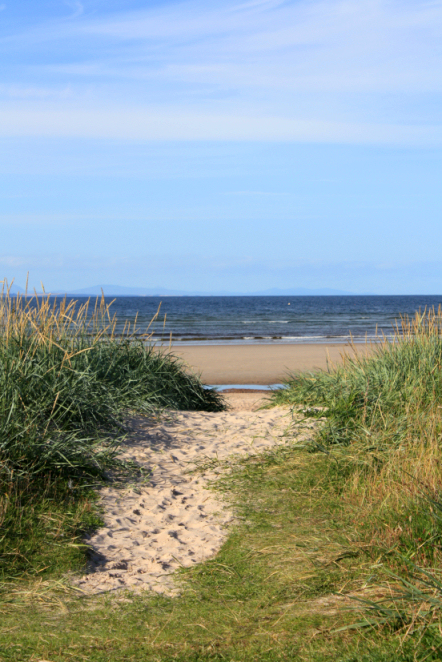
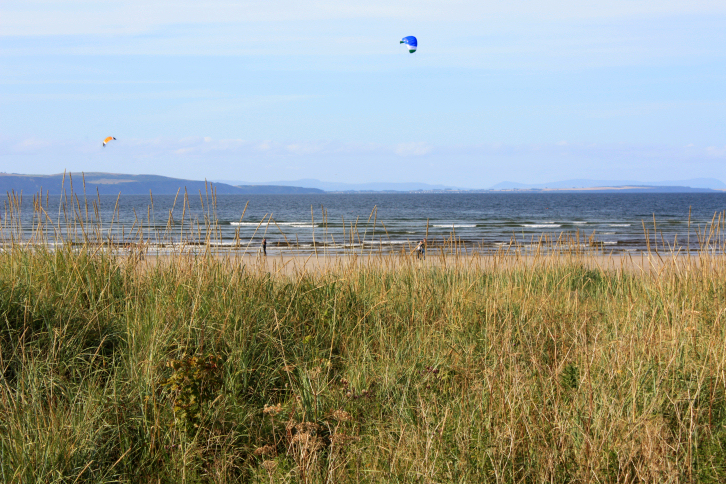
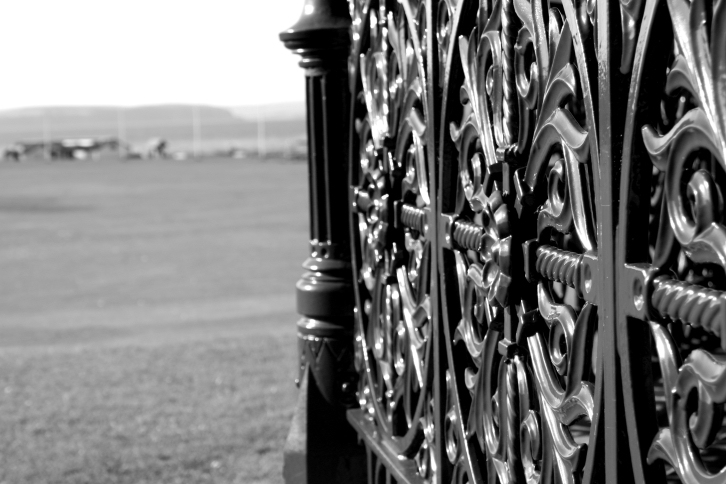
And a few pics taken in Nairn.